Six services, one team.
From the first workshop to the hundredth release: discovery, design, web and mobile development, integrations, and the testing and care that keep software working. Hire us for one, or for all six.

S-01 / Before the build
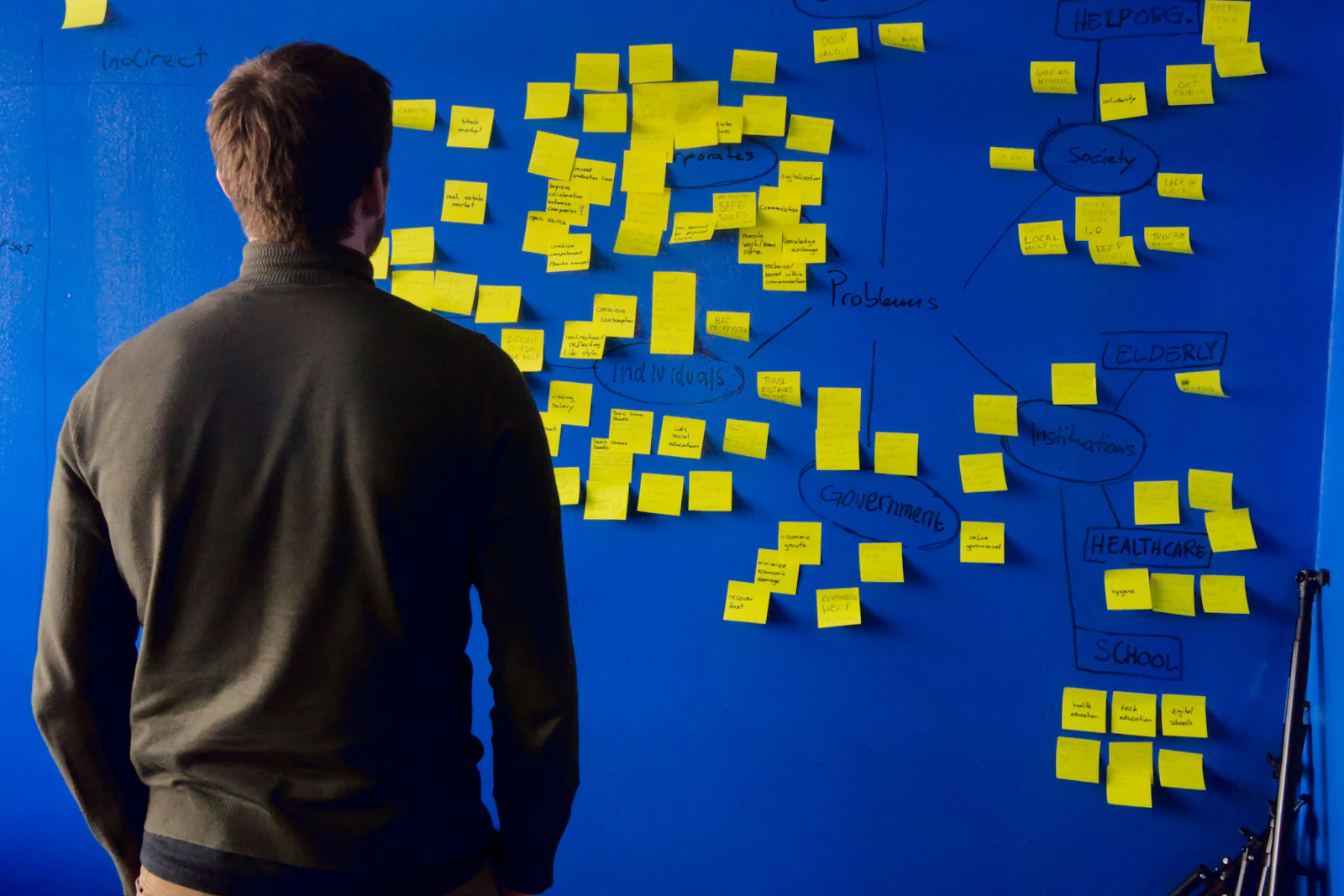
Product discovery and strategy
Before anyone writes code, we work out what the software has to do, for whom, and how you will know it is working. Discovery turns an idea, or a long list of requests, into a plan you can price, schedule, and defend.
Typical activities
- Interviews and workshops with the people who own the problem
- Mapping current workflows and the tools you already pay for
- Short conversations with the people who will use the software
- Sorting features into a first release and a later list
- A technical review of hosting, data, integrations, and risks
Deliverables
- A written product brief
- User flows and a prioritized backlog
- A technical approach and architecture sketch
- A risk list, with how each risk will be tested
- An estimate range and a release plan
S-02 / Structure, then detail
UX/UI design
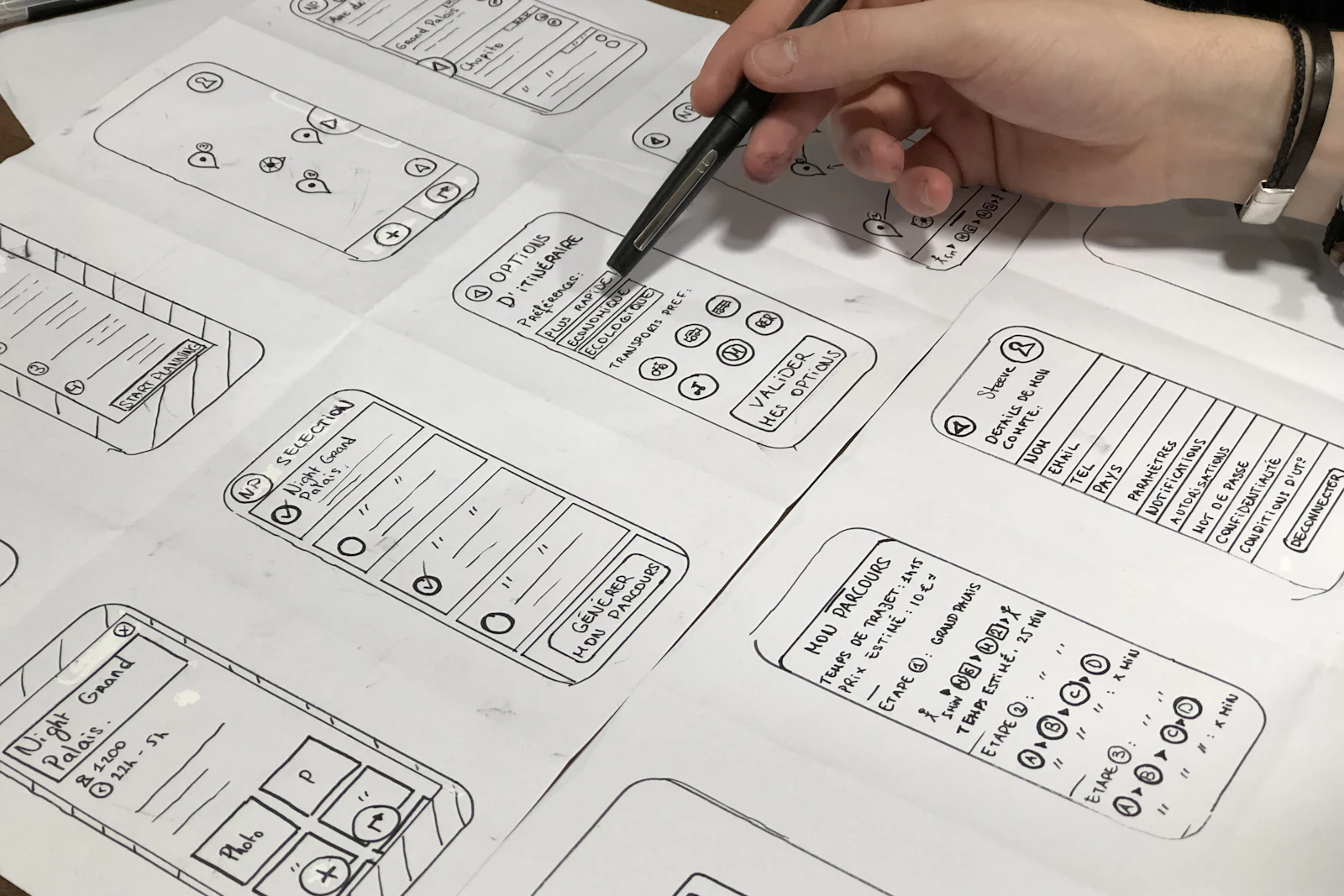
We design the screens people will use every day: the structure first, then the visual detail, then every state in between. Designs are tested as a clickable prototype before they are built.
Typical activities
- Wireframes for each key flow
- Interface design: type, color, spacing, and layout
- Empty, loading, error, and success states
- Usability sessions with real or representative users
- An accessibility review against WCAG 2.2 AA
Deliverables
- Screen designs for every flow in scope
- A clickable prototype
- A component library with documented states
- Design tokens for color, type, and spacing
- Notes and recordings from usability sessions
Real components, not pictures of them.
A design system is a set of working parts, each with its states designed and built. These five are live: press the button, flip the switch, type in the field, switch the chart. Then throw them across the bench.
Online booking flow
Validates as you type.
Point at a bar to read it.
Sample data, for illustration. On a phone, drag by the dark label bar so the page can still scroll.
S-03 / Browser-based software
Web applications
Customer portals, booking and ordering systems, dashboards, and internal tools, built as fast, accessible web apps that work in any modern browser and on any screen size.
We choose the framework, database, and hosting to fit your team and the systems you already run, and we write down why. The reasons matter as much as the choice when someone else maintains the code later.
Typical activities
- Front-end development in a component-based framework
- Back-end services, databases, and authentication
- Roles, permissions, and admin screens
- Code review and automated tests on every change
- Hosting setup, monitoring, and backups
Deliverables
- A working web application in production
- Source code in a repository you own
- Infrastructure set up under your accounts
- An automated test suite and build pipeline
- A README, a runbook, and architecture notes

S-04 / iOS and Android
Mobile apps, native and cross-platform

Apps for your customers or for your team in the field. We build native apps in Swift and Kotlin, or one cross-platform app for both stores, and recommend the approach that fits your users, budget, and roadmap.
Typical activities
- Choosing native or cross-platform, with the trade-offs in writing
- Design that follows each platform's conventions
- Offline support, push notifications, camera, and location
- Testing on real iOS and Android devices
- App Store and Google Play submission and releases
Deliverables
- Apps published under your own developer accounts
- Source code and signed build configuration
- Store listing text, screenshots, and release notes
- A device and OS test matrix
- A plan for yearly platform and store updates
S-05 / The connections
APIs and integrations
Most business software is only as useful as its connections. We design APIs, connect the services you already use, and keep data moving reliably between them, with alerts when something fails.
Typical activities
- API design, described in an OpenAPI document
- Payment, CRM, accounting, scheduling, and shipping integrations
- Webhooks, background jobs, and safe retries
- Data migration from spreadsheets and older systems
- Authentication, rate limits, and audit logs
Deliverables
- Documented API endpoints
- Working integrations with error handling
- Migration scripts and a verification report
- Monitoring and alerts for failed syncs
- A runbook for each integration

S-06 / Before and after launch
QA, maintenance, and support

Testing runs through every sprint, not only the last one. After launch we keep the software healthy with updates, monitoring, fixes, and small improvements, on a care plan or as needed.
Typical activities
- Test plans and automated test suites
- Exploratory testing on real devices and browsers
- Accessibility and performance checks before each release
- Dependency, framework, and OS updates
- Monitoring, incident response, and bug fixes
Deliverables
- Test reports from each release
- A release checklist your team can reuse
- Monthly maintenance notes
- Current dependencies and platform builds
- A prioritized improvement backlog
Start with the problem, not the service.
Tell us what is slow, manual, or missing today. We will tell you which pieces of work it takes, and in what order.
contact@hilltechlabs.com